

Video is a powerful tool for engaging consumers and building brand awareness. In fact, 44% of survey respondents would prefer to learn about a product via short videos instead of text-based content. As a result, content creators and digital marketers need to generate videos quickly to sustain the interest of viewers.
Leveraging the power of artificial intelligence, modern video editing tools have evolved to streamline the video editing process. They can make your videos stand out by fixing audio, adding effects, and more.
In this post, I’ll reveal five of the best AI-powered video editing tools that are changing the current video creation landscape. Whether you’re a newbie or an experienced content creator, these smart tools will help you save productive hours. Let’s get right into it!
Top 5 AI-Powered Video Editing Tools
With so many AI-powered video editing tools in the market, choosing one that best suits your needs can be daunting. I’ve highlighted the top five AI-powered video editing tools you can check out, including their key features, pros and cons, and pricing.
1. Movavi Video Editor
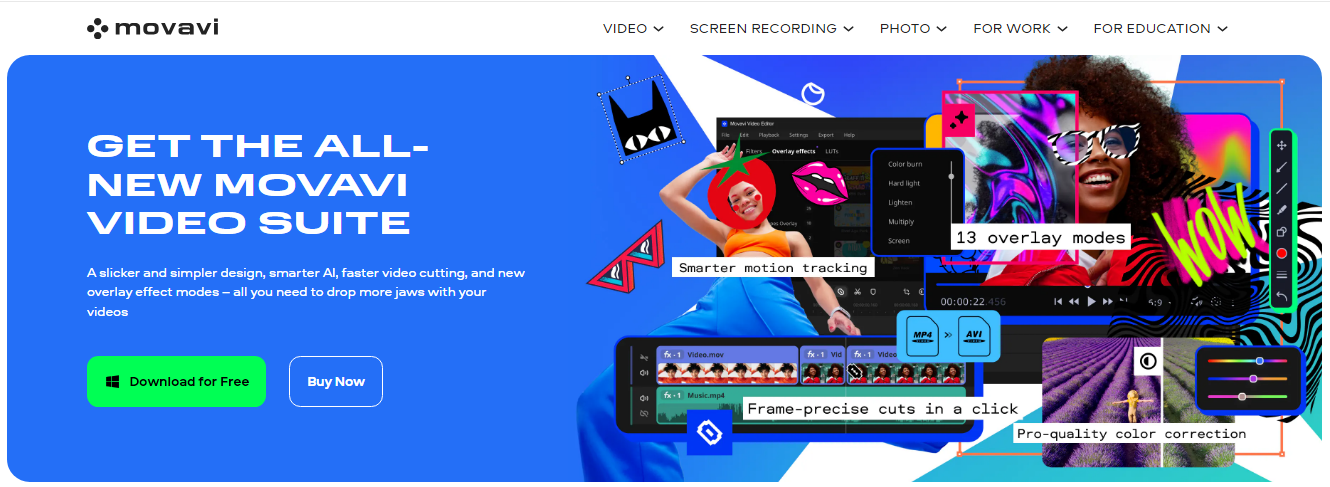
Image via Movavi Video Editor
Movavi Video Editor is one of the AI-powered video editing tools that cater to the needs of both rookies and expert editors. It has been ranked among the best free video editing software for mac, plus it runs on Windows, as well as Android and iOS.
Its friendly user interface makes it easy to create professional-grade videos. Because Movavi Video Editor regularly updates its tools, you can constantly expect new ways to level up your editing game.
Key Features
- AI motion tracking attaches effects, emojis, or stickers to objects in your footage
- AI background remover easily swaps out backgrounds so you don’t have to shoot on a green screen
- AI noise remover automatically deletes unwanted sound from clips, especially those recorded with a smartphone
- Video-cutting tool makes precise frame cuts for montage productions
Pros
- Fast and easy video creation
- Robust video editing suite
- Compatible with both Mac and Windows, and comes with Android and iOS apps
- Has a comprehensive learning portal
Cons
- Limited advanced tools compared to other high-end AI-powered video editing tools
- Renders large videos slowly
Price
- Free
- Video Editor: $19.95 per month
- Video Editor Plus: $178.95 per year
- Video Suite Plus: $250.95 per year
2. Descript
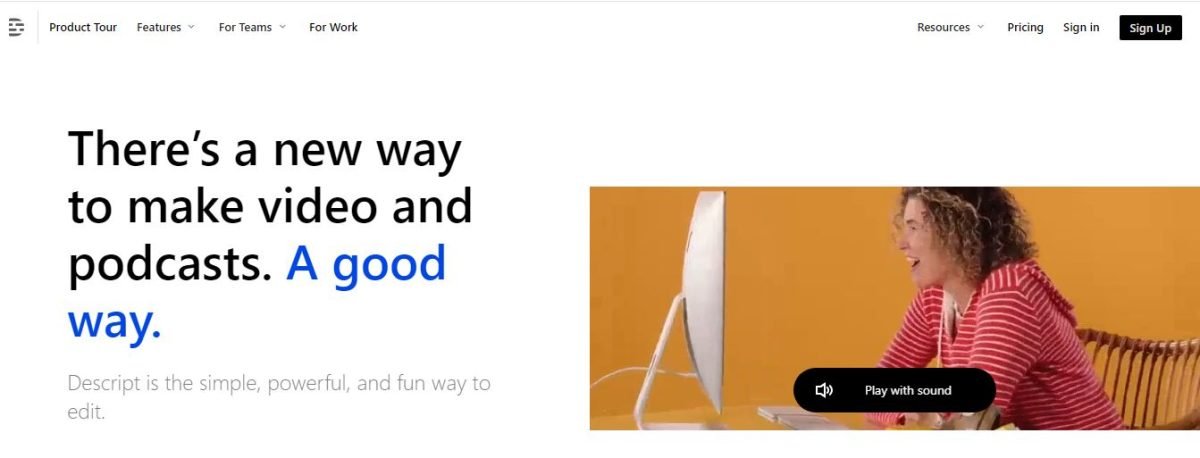
Image via Descript
If you’re looking for AI-powered video editing tools that can handle scripting, recording, transcribing, and publishing on one platform, Descript is what you need. This powerful tool enables you to edit videos straight from the transcript without touching the timeline.
Descript is an invaluable tool for publishers who do programmatic video ads as it can make all kinds of videos in record time. The tool also offers access to a stock library, templates for intro and outro, and much more.
Key Features
- AI voices create a realistic clone of your voice
- AI-powered green screen removes your original image background in one click
- Studio sound transforms recordings to high-quality audio
- Filler word remover automatically eliminates filler words, such as “umm” and “uh”
- Social clips allow you to create, edit, and adapt videos for different social media networks
Pros
- Editing is as easy as typing into a text document
- Enables collaboration with a remote editing team
- Integrates with third-party tools to streamline workflow
- Provides adequate learning resources to help you start on the right foot
Cons
- Poor transcription of non-native accents
- Does not offer customer support via phone
Price
- Free
- Creator: $15 per user/month
- Pro: $30 per user/month
- Enterprise: Custom pricing
3. OpusClip
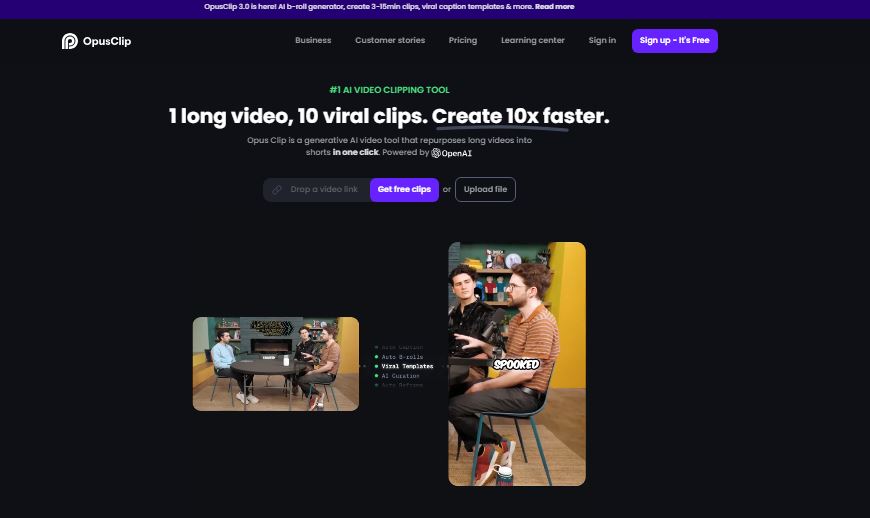
Image via OpusClip
Among different AI-powered video editing tools, OpusClip is one that stands out when it comes to transforming lengthy videos into short-form videos. This generative AI tool is especially helpful for content creators looking to generate viral-ready videos.
You can make up to ten clips from a single video, making it that much easier to embed reels on websites and helping you save time. Also, you’ll gain more views and monetize your social media accounts.
Key Features
- Genre-specific curation produces viral videos based on your video genre — webinar, vlog, sports commentary
- AI Co-Pilot allows you to choose the frames you want to clip, giving you control over the outcome
- AI Virality Score shows you the probability of your video going viral based on hook, flow, engagement, and trend analysis
- AI B-roll generator (beta) uses text prompts to create contextually relevant B-rolls
Pros
- Optimized for social media platforms
- Enhance your workflow further by utilizing a text summary generator to quickly produce concise snippets for video scripts or captions. Summarizing lengthy texts can expedite content preparation, allowing you to focus on the creative aspects of storytelling and video editing.
- Saves time with auto-editing and video repurposing
- Preserves the video quality after exporting
Cons
- Multi-layered editing isn’t available at the moment
- Generated clip may still require manual edits
Price
- Free
- Starter: $9 per month
- Pro: $29 per pack/month
- Enterprise: Contact support
4. Synthesia

Image via Synthesia
For corporate trainers and sales reps looking to produce personalized videos for clients, Synthesia is one of the most productive AI-powered video editing tools you can bank on. It converts text to video within minutes using AI avatars and multilingual voiceovers.
Synthesia also synchronizes video animations with the audio by placing AI markers into your script. This way, it helps novice creators avoid some of the key video editing mistakes and get better engagements from the videos.
Key Features
- Voiceovers are available in 400+ voices with closed captions
- 160+ realistic AI avatars plus an option for customization
- Fully customizable templates for professional videos
- Voice cloning pairs your voice with an avatar
Pros
- Speeds up the final stages of video production, allowing users to create engaging videos faster
- You can get started without any previous editing experience
- Provides detailed tutorials for beginners
Cons
- Can seem robotic at times
Price
- Free
- Starter: $29/month
- Creator: $89/month
- Enterprise: Custom pricing
5. Canva
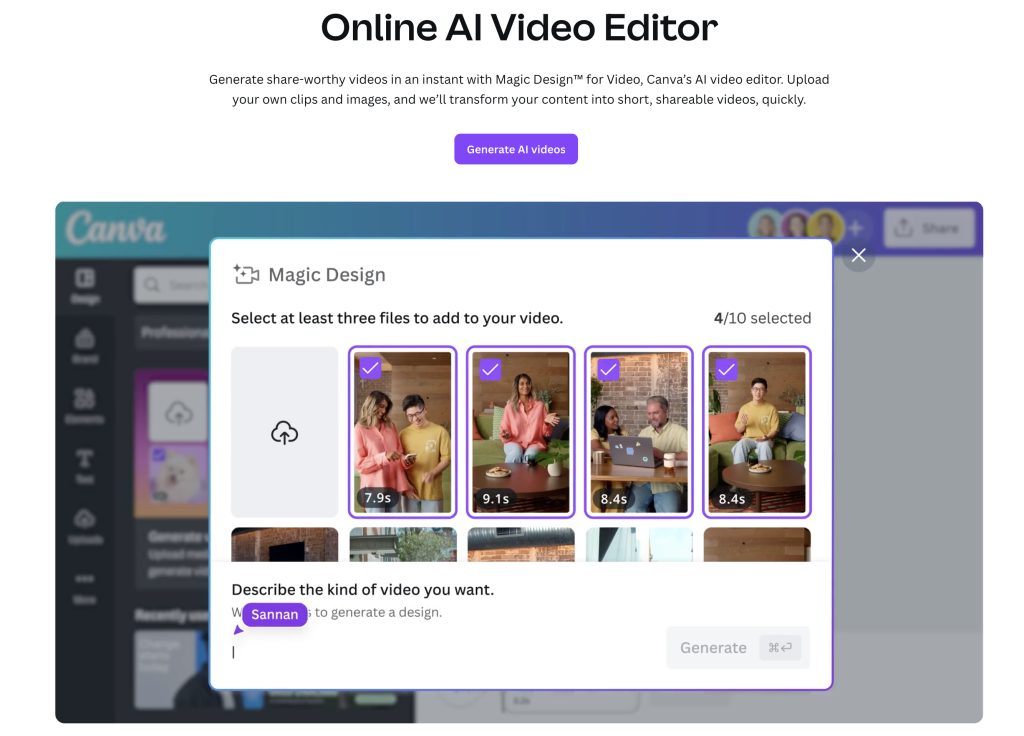
How AI Plays a Significant Role in Video Editing
AI is the revolutionary technology that is transforming the video editing industry. Creativity and special impacts are important aspects of the good videos.
The micro YouTube influencers and legal professionals don’t have professional video editing skills but with the help of these tools they can edit their videos like a pro and can create Legal help videos for their clients and visitors.
AI based tools help marketers to edit videos like a pro. With the help of these tools, they can add subtitles, audio, special effects to the videos and optimize the videos for the search engines.
Optimize and well edited videos perform well on YouTube and drive good engagement. It helps them to get a good amount from the YouTube sponsors. AI is transforming the life of marketers in helping them to earn good money and perform their task professionally.
Conclusion
With artificial intelligence, completing the classic post-production steps is becoming faster and easier. As you’ve seen, many AI-powered video editing tools exist for various skill levels.
The benefits range from huge time savings to unlocking creative possibilities like custom avatars. However, you should be aware of each tool’s limitations before choosing one.
What AI-powered video editing tools are you excited to try? Let me know how machine learning has boosted your video content workflow in the comments section below.

Gaurav Sharma is the founder and CEO of Attrock, a results-driven digital marketing company. Grew an agency from 5-figure to 7-figure revenue in just two years | 10X leads | 2.8X conversions | 300K organic monthly traffic. He also contributes to top publications like HuffPost, Adweek, Business 2 Community, TechCrunch, and more.
